Choose a spot that works for everyone
Start by noticing how the room is already used. A dining table may be free for part of the day but needed at mealtimes; a living-room corner may stay quiet until someone turns on the television. Rather than looking only for empty floor space, look for a place that fits your usual working hours without blocking a walkway, cupboard or favorite seat.
If you can, position your work surface near an outlet and away from the room’s busiest route. Natural light can be pleasant, but a window directly behind your screen may create glare. Try the spot for a day before rearranging furniture. The best choice is often the one that creates the least friction in the room, not the one that looks most like an office.
Give the corner a clear boundary
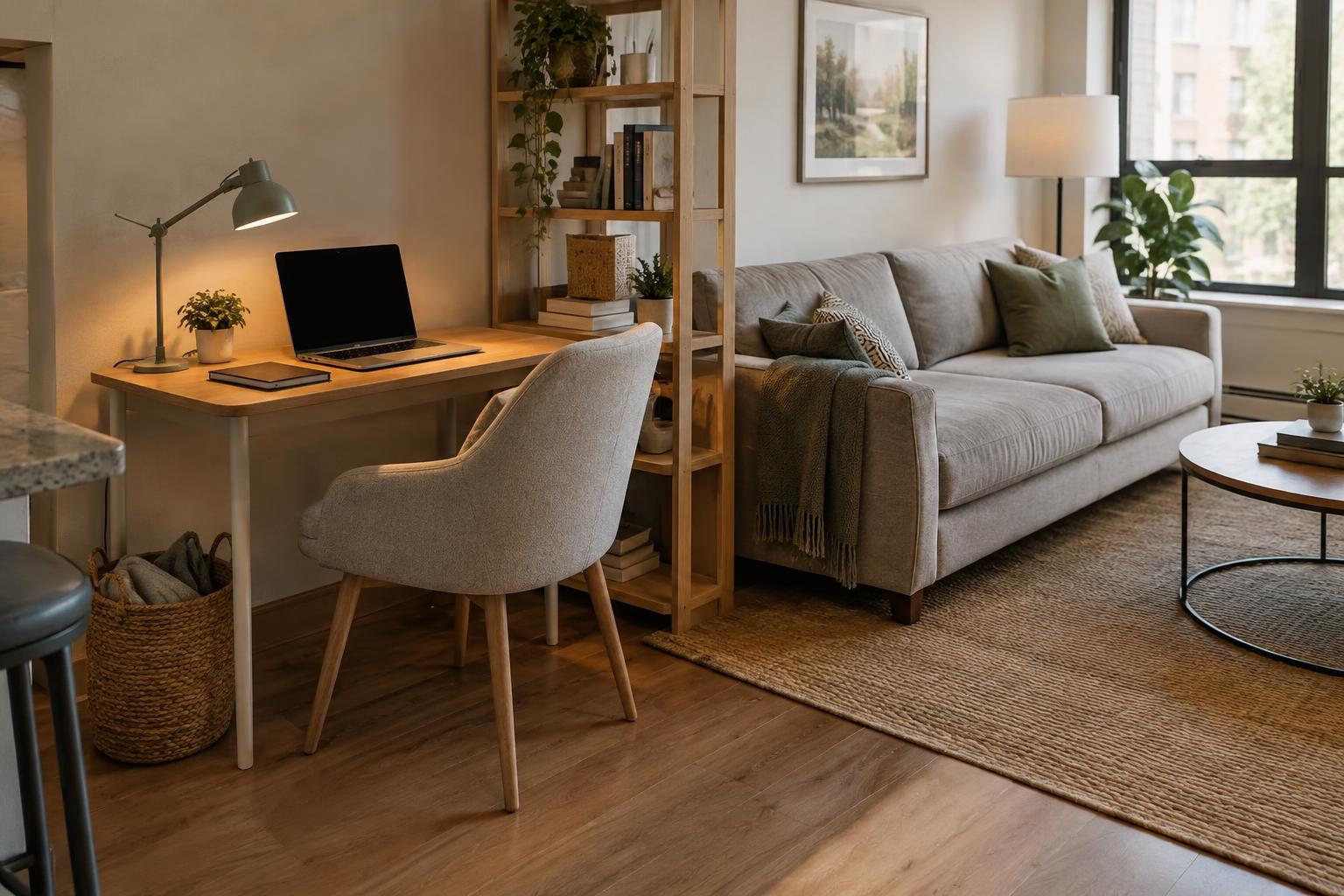
In a shared room, a work corner needs to feel distinct without taking over. A small desk, a section of a table or a narrow console can provide enough space for a laptop, notebook and drink. Leave some surface clear so you can begin working without moving a pile of unrelated items first.
Use a simple visual cue to mark the space: a desk mat, a task lamp or a compact shelf beside the work surface. If your setup must disappear after work, keep those pieces together on a tray. You can also angle a chair toward a wall or use an existing bookcase as a gentle divider. Avoid creating a barrier that makes the rest of the room awkward to use.
Make small comfort adjustments
Before buying anything, check the basics while seated. Can your feet rest comfortably, and can you type without hunching toward the screen? If a dining chair is your only option, a firm cushion may improve the seat, while a stable footrest can help if your feet do not reach the floor. A separate keyboard and mouse can make it easier to place a laptop screen higher, but even brief changes of position may help the space feel less tiring.
Lighting deserves its own check. Aim a task lamp at your work surface rather than toward another person’s seat or a screen. In the evening, a lamp you can switch on independently is more considerate than changing the light for the whole room. Keep cables out of walking routes, especially if the corner sits near a doorway.
Plan for sound and shared schedules
Comfort in a shared room is partly about expectations. Let others know when you need a quiet stretch and ask when they need the room for something else. A short conversation about calls, meals and television can prevent more interruptions than an elaborate setup. If schedules change often, agree on a way to give notice rather than treating the corner as permanently reserved.
Headphones can make ordinary background noise less distracting, though they will not solve every conflict. For calls, consider whether a different room is available for especially private conversations. A visible cue, such as putting on your headphones or placing a small card on the desk, can signal that you are concentrating. Make sure everyone knows what the cue means and that it does not prevent them from using their shared space.
Make starting and stopping easy
The more effort it takes to set up, the less useful your corner may feel. Keep frequently used supplies in one small container and store occasional items elsewhere. If you share a table, choose a box or tote that can hold your charger, notebook and stationery in one trip. Labeling cables or keeping a spare charging cable in the container can make the daily changeover simpler.
Build a brief closing routine: save your work, put away loose papers, clear your cup and return the room to its usual purpose. This is particularly helpful when work and leisure happen within sight of each other. Your corner does not have to be perfect or permanent. It only needs to support the work you do, respect the people around you and be easy to reset for tomorrow.