Start with a place for incoming paper
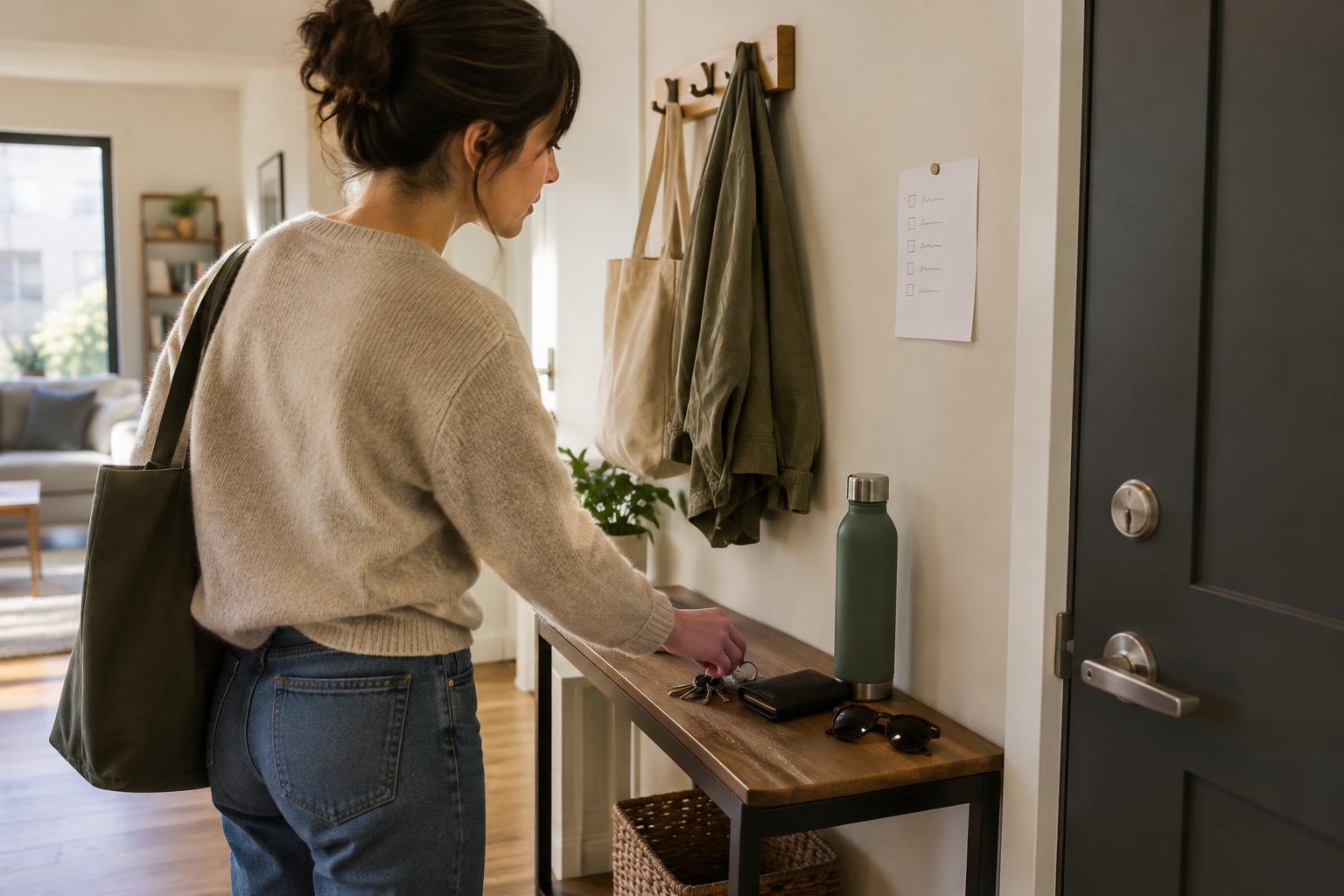
Paperwork is hardest to find when it lands in several places: the kitchen counter, a bag, a drawer and the corner of a desk. Choose one accessible landing spot for mail, receipts, school notes and other papers that enter your home. A shallow tray or upright file holder is enough. The goal is not to organize each item the moment it arrives; it is to know where to look until you have time to sort it.
Keep this spot for unprocessed papers only. If it becomes permanent storage, new items will disappear into the stack. When you bring in mail, recycle obvious packaging and unwanted inserts, then put anything that may need attention in the tray. If you share a home, let everyone know what belongs there and where urgent items should go.
Sort by what you need to do next
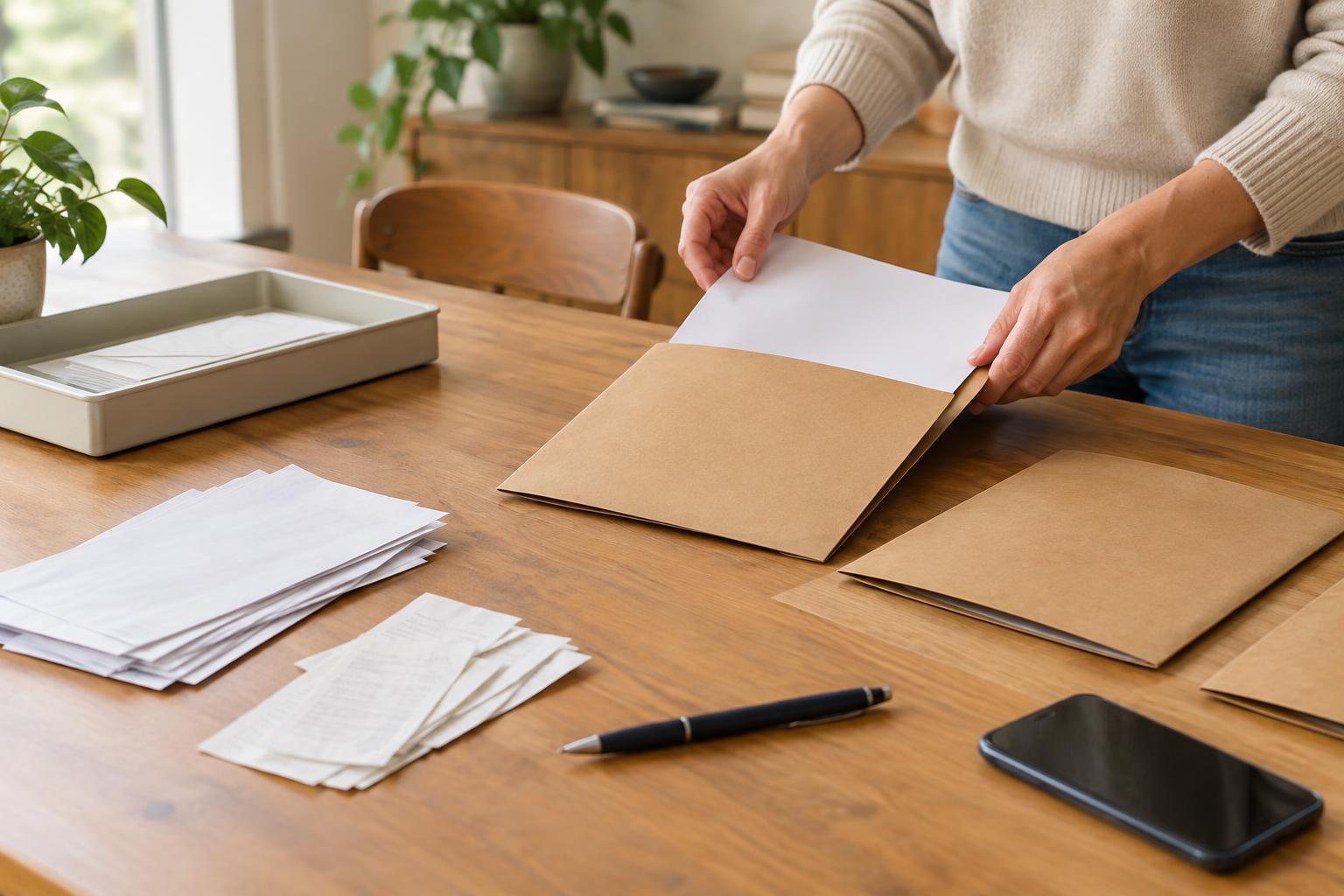
Set aside a short block of time to go through the tray, one piece at a time. Give each paper one destination: action, reference or secure storage. Action papers require a next step, such as replying, paying, signing or making an appointment. Reference papers are useful to consult again, while secure storage is for important originals and sensitive records that you have decided to keep.
Make the action category especially easy to use. A folder marked “To do” can hold forms and notices, but write the next step and any relevant deadline on a note or in your usual calendar. A paper hidden in a folder will not remind you by itself. Once an action is complete, move the document to its long-term place if it is still needed. Check applicable requirements before disposing of records you may be obliged to retain.
Build a small filing system you can remember
Start with broad labels that match the way you would search for a document. Categories such as Home, Health, Work, Vehicle and Personal Records may be more useful than dozens of narrow folders. Within a busy category, add a few subfolders only when the contents become difficult to scan. You do not need a complicated filing cabinet to begin; a portable file box or a handful of labeled folders can work well.
Choose a consistent home for each type of paper. For example, keep appliance instructions together rather than dividing them between a desk drawer and the kitchen. Put particularly important originals in a secure location appropriate for your home, and make sure anyone who may need access knows how to locate them. If you are unsure whether a record should be kept, check the rules or guidance relevant to your situation before throwing it away.
Make digital copies easy to find, too
Digital storage can reduce clutter, but a folder full of files named “scan” is another kind of paper pile. Use descriptive names that you can recognize later, such as “Washing machine manual” or “Bike repair receipt,” and place files in a few matching categories. Decide whether a document will live primarily on paper or digitally so you do not have to search both places every time.
Before discarding a paper original, consider whether you may need the original or whether a digital copy is acceptable for its purpose. Check that scans are complete and readable, including the reverse side when it contains information. Protect sensitive files with the security settings available on your devices and storage accounts, and keep a backup of documents you would struggle to replace.
Keep the system light enough to maintain
A weekly paperwork reset can be brief. Empty the landing tray, deal with quick tasks, move longer tasks to your action folder and file what you want to keep. If you cannot finish a task, record the next step rather than returning the paper to the incoming pile. Every so often, look through your folders for duplicates and items that no longer serve a purpose, taking care with anything that contains personal information.
The best system is one you can use on a busy day. If your labels are too detailed or filing feels like a project, simplify them. Knowing that new paper goes in one tray, unfinished tasks go in one folder and stored records have predictable homes is often enough to make the document you need much easier to find.